
Spring isn’t just for cleaning your physical environment. It’s for cleaning your digital space, too.
If your phone storage is full, your desktop is chaotic, and your inbox gives you low-grade anxiety every time you look at it— this is your sign that a digital declutter is long due.
It’s time for a spring digital declutter checklist that resets your phone, computer, and entire online life. We spend hours upon hours on our phones computers & other digital devices, so why should we not declutter it too?
This guide will walk you through a simple, practical spring digital declutter so you can reduce stress, improve focus, and finally feel organized again.
Table of Contents
Why You Need a Spring Digital Declutter CheckList
Digital clutter creates invisible stress. The hundreds of emails sitting in your inbox, random screenshots, old downloads, apps you have on your phone but forgot they existed, the shower of notification at every second, they all add up.
Decluttering your digital life improves your focus, reduces overwhelm, helps you think more clearly and also makes your tech run faster (and who doesn’t love that?
Phone Declutter Checklist
Your phone is probably the biggest source of digital clutter. I’d say start there.

1. Delete Unused Apps
If you haven’t opened an app in over 30 days, why is it still sitting on your phone?
The less apps you have, the less distractions you’ll have.
“Oh, but Rita, I might need that app one day.” Okay, so? When you need it (if you ever do) re-download it. It’s not hard.
2. Clear Storage
Go to your storage settings and check what’s taking space.
Delete:
- Duplicate photos
- Blurry photos
- Old screenshots
- Unused downloads
Back up important memories to cloud storage (or an external hard drive, like I do) before removing anything. This alone can make your phone feel fresh & clean.
3. Turn Off Non-Essential Notifications
Most notifications are not urgent. If you ask me, the only notifications you should have on are calls, texts, calendar reminders and work-related apps.
Turn off:
- Social media notifications
- Shopping app notifications (that will save you some $$$, trust me)
- Any other notifications that aren’t the ones mentioned above, really
4. Simplify Your Homescreen
I can’t tell you how much this makes a difference. Keep your homescreen to 1-2 pages max and group similar apps into folders. This removes so much visual clutter, it’s crazy. Also, choose a plain wallpaper for the homescreen so you’ll get less distracted.
When you open your phone, it should feel calm — not chaotic.
Computer Spring Declutter Checklist
Now let’s organize your computer. If your desktop is covered in files, we need to fix that ASAP.

5. Clear Your Desktop
First off, let’s create some folders. Create a folder for each of your life areas like:
- Work
- Personal
- Projects
- Home
Move everything into folders. Having loose files is not allowed. A clean desktop instantly reduces visual stress.
6. Clean the Downloads Folder
Okay, now open your downloads folder and sort by date.
Delete:
- Old PDFs
- Duplicate files
- Installers you no longer need
- Random images
If it’s older than 3 months and not essential, delete it. No, you won’t need it later: if you haven’t opened it in the last 3 months, I doubt you’ll open it in the future.
7. Organize Files Properly
Use a simple structure:
Main Folder → Category → Subfolder → File
Example:
Work → Clients → 2026 → Client Name → Assets
This makes organizing your computer effortless long-term.
8. Empty the Trash
Yes. Actually empty it.
Your digital spring cleaning isn’t done until you do this.
Online Life & Inbox Reset
This is where real mental clarity happens.
9. Unsubscribe Aggressively
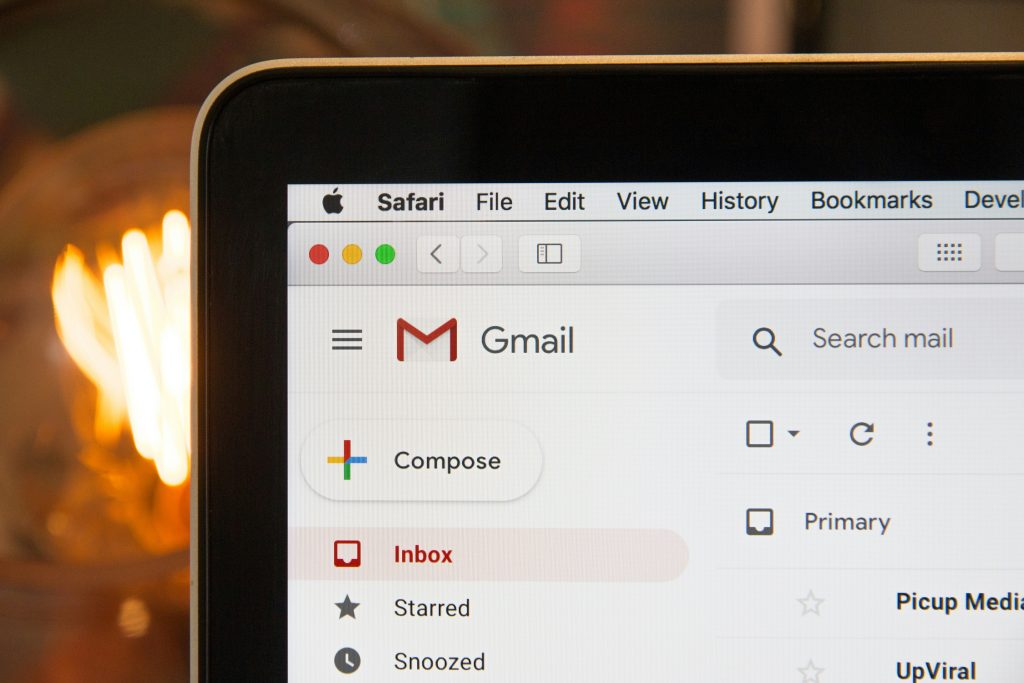
If you haven’t opened the last 5 emails from a brand, unsubscribe.
You don’t need daily promos, flash sale alerts and newsletters you never read. Again, this will save you some money.
Your inbox should serve you, not distract you.
10. Clean Your Inbox
Start small. Delete obvious junk mail, archive old emails, create folders to organize the emails you do need to keep.
Inbox zero isn’t about perfection. It’s about control.
11. Review Paid Subscriptions
Okay now let’s get into how you can save money with digital decluttering. I want you to gather all streaming services you subscribe to, app subscriptions, free trials and software tools and ask yourself “Do I really need to subscribe to this?” , “Do I use this?”. If the answer is no, then cancel it, now!
12. Update Passwords & Security
Spring is a good time to tighten security. Change your weak passwords, use a password manager to help you with all passwords (I personally use LastPass)and, for the love of God, turn on two-factor authentication. I had my laptop hacked last year and this saved all my accounts.
30-Minute Digital Reset Plan
Short on time? Do this:
10 minutes: Delete apps + turn off notifications
10 minutes: Clean desktop + downloads
10 minutes: Unsubscribe + inbox cleanup
That’s it. You don’t need to declutter your entire digital life in one day. Just make it lighter than it was.
Frequently Asked Questions About Digital Decluttering
What is a digital declutter?
A digital declutter is the process of cleaning and organizing your phone, computer, email, apps, and online accounts. It involves deleting unused files, turning off unnecessary notifications, organizing folders, and reducing digital distractions.
How often should you declutter your digital life?
A full digital declutter can be done seasonally (every 3–4 months). Smaller maintenance resets should be done weekly or monthly to prevent clutter from building up again.
How do I declutter my phone quickly?
To declutter your phone fast:
- Delete unused apps
- Clear old photos and screenshots
- Turn off non-essential notifications
- Organize apps into folders
- Free up storage space
You can do a basic reset in 10–15 minutes.
What is digital spring cleaning?
Digital spring cleaning is a seasonal reset where you organize your devices, clear out digital clutter, clean your inbox, review subscriptions, and improve online security.
Does digital decluttering improve productivity?
Yes. Reducing digital clutter lowers distractions, minimizes decision fatigue, and makes it easier to focus. A clean digital environment supports better time management and clearer thinking.
Keep Your Digital Life Organized
Digital clutter creeps back in quietly. The key is maintenance.
That can be achieved with a a mini reset:
- Once a week (5–10 minutes)
- Or once a month (30-minute refresh)
A clean digital space supports better productivity, cleared thinking, less procrastination and lower stress.
And honestly? It just feels good.
Spring is the perfect excuse to reset your phone, organize your computer, and clean up your inbox.
Start today and your future self will thank you.
If you liked this post, you might also like:
FOLLOW ME:
INSTAGRAM | PINTEREST